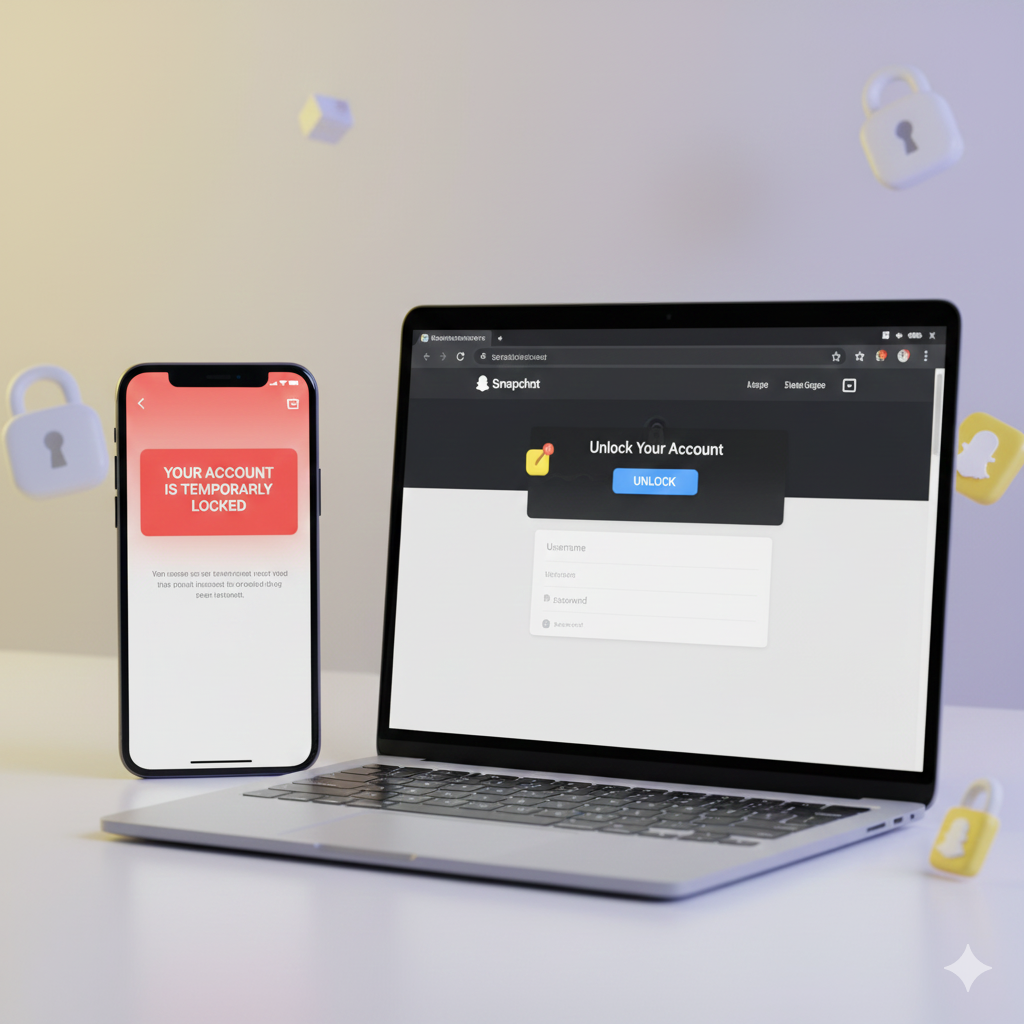
How to Unlock Your Snapchat Account in 2026: A Comprehensive Guide
Getting your Snapchat account locked can be a frustrating experience. Whether it’s due to suspicious activity, using third-party apps, or violating community guidelines, a locked account means you’re cut off from your friends, streaks, and memories. The good news is that most temporary locks can be resolved. This detailed guide will walk you through the steps to unlock your Snapchat account in 2026 and get you back to snapping.
Why Did My Snapchat Account Get Locked?
Before attempting to unlock your account, it’s helpful to understand why it might have been locked in the first place. Common reasons include:Using Third-Party Apps: Apps that promise extra Snapchat features (like saving snaps automatically) are often against Snapchat’s Terms of Service.
Spamming or Bots:
Sending too many unsolicited messages or friend requests in a short period.
Suspicious Activity:
Snapchat’s security system might detect unusual login attempts or account usage patterns.
Community Guideline Violations:
Sharing inappropriate content or engaging in harassment.
Repeated Unverified Logins:
Trying to log in multiple times with incorrect credentials.
Step-by-Step Guide to Unlock Your Snapchat Account
The process to unlock your account primarily depends on whether it’s a temporary or permanent lock. Most users experience temporary locks first.
Step 1: Visit the Snapchat Account Lock Page the first and most crucial step is to go directly to Snapchat’s official account unlock portal.Open your web browser (on your phone or computer) and go to: accounts. snapchat.com/accounts/unlock. Do NOT use any unofficial websites or apps that claim to unlock your account, as these could be scams.
Step 2: Log In to the Unlock PortalOn the unlock page, you will be prompted to enter your Snapchat username and password. Make sure you enter your credentials correctly.If you’ve forgotten your password, use the “Forgot your password?” option on the main Snapchat login screen or on the unlock portal to reset it before attempting to unlock.
Step 3: Confirm and UnlockAfter logging in, you will see a message regarding your locked account. There will usually be a button that says “Unlock.”Tap the “Unlock” button.
Snapchat’s system will then attempt to review and unlock your account. This process usually takes a few minutes, but in some cases, it can take up to 24 hours.
Step 4: Wait and Re-login to the AppOnce you’ve clicked “Unlock,” close the Snapchat app on your phone. Wait for about 10-15 minutes, or even a few hours, before trying to log in again. Re-opening the app immediately might not reflect the change.
What if My Account is Permanently Locked?
If your account is permanently locked, the “Unlock” option on the portal might not appear, or it might state that your account has been locked indefinitely.
In such cases:You will need to contact Snapchat Support directly through their support page.
Provide as much detail as possible about your situation, but be aware that permanent locks are much harder to reverse.
Prevention is Better Than Cure.
To avoid future account locks:Never use third-party Snapchat apps or plugins.Adhere strictly to Snapchat’s Community Guidelines.
Ensure your account has a verified email and phone number for easier recovery.By following these steps, you significantly increase your chances of getting your Snapchat account back. Happy Snapping.
#SnapchatLocked #UnlockSnapchat #SnapchatAccountRecovery #SnapchatHelp #AccountLocked #SnapchatSupport #SnapchatProblems #TechTroubleshooting #Snapchat2026