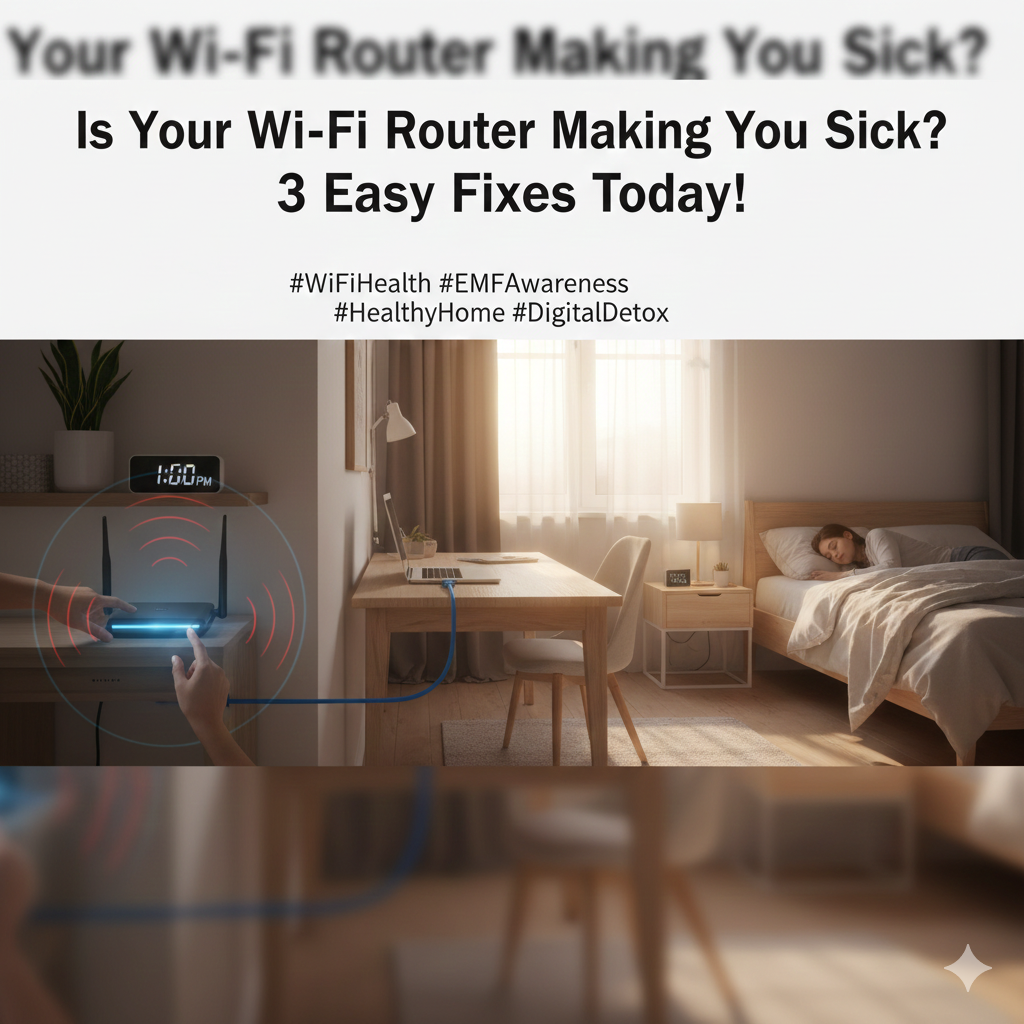
Is Your Wi-Fi Router Making You Sick? 3 Easy Fixes You Can Implement Today
In our hyper-connected world, Wi-Fi has become as essential as electricity. It powers our work, entertainment, and communication, silently broadcasting signals throughout our homes. But what if the very technology designed to make our lives easier is secretly impacting our health? While the scientific community continues to debate the long-term effects of Electromagnetic Fields (EMFs) from Wi-Fi routers, a growing number of people report experiencing symptoms like headaches, fatigue, sleep disturbances, and even anxiety, which they attribute to their wireless devices. If you’re concerned your Wi-Fi router might be making you sick, don’t panic! Here are 3 easy, practical steps you can take today to minimize potential risks.
1. Distance is Your Best Friend: Relocate Your Router:
The strength of EMF exposure decreases dramatically with distance. One of the simplest and most effective ways to reduce your exposure is to move your Wi-Fi router away from areas where you spend most of your time. Avoid placing it directly next to your bed, desk, or in main living areas. Ideally, position it in a central, less-frequented part of your home, like a hallway, utility room, or a less-used corner. Even a few extra feet can make a significant difference in reducing your exposure levels, creating a safer environment for you and your family.
2. Go Wired Where Possible: Embrace Ethernet Cables:
While Wi-Fi offers unparalleled convenience, consider going back to basics for static devices. For your desktop computer, smart TV, gaming console, or even your work laptop when at home, connect them directly to your router using an Ethernet cable. This not only eliminates Wi-Fi EMF exposure from these specific devices but can also improve internet speed and reliability. Plus, the more devices you connect via Ethernet, the less your Wi-Fi router needs to work, potentially reducing its overall signal output. This is a practical step that significantly cuts down on wireless emissions in your immediate vicinity.
3. Schedule Off-Times: Turn Off Your Router at Night (or When Not in Use):
Your Wi-Fi router doesn’t need to be on 24/7. When you’re sleeping, or when no one is using the internet for extended periods (e.g., when you’re out of the house), simply turn it off. Many modern routers have a built-in schedule function that allows you to automate this, ensuring it powers down during specific hours. This practice completely eliminates EMF exposure during crucial rest times, promoting better sleep and giving your body a break from constant wireless signals. It’s an effortless habit that can have a profound impact on reducing your overall exposure load.
While research on EMFs is ongoing, taking proactive steps to reduce your exposure is a sensible approach. These three simple fixes are easy to implement and can provide peace of mind, helping you enjoy the benefits of connectivity without unnecessary worry.
#WiFiHealth #EMFAwareness #HealthyHome #TechWellness #DigitalDetox #RouterSafety #WirelessHealth #SleepBetter